




1st Issue of the Month

2nd Issue of the Month



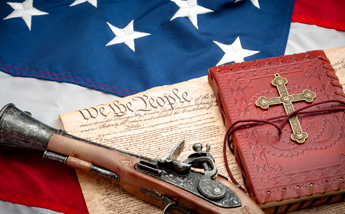
In March 2020, The Firearms News traveled all the way from the Mid West to talk to Cholly and hear his story! Click "SEE MORE" to watch the videos they captured!
What today is arguably the largest dealer in surplus war material in the country, Sarco (an acronym for Steen Armament Research Company), Inc., of Easton, Pennsylvania, actually began quite humbly in the attic of a small apartment. Charles "Cholly" Steen, the company's founder, recalls his next major expansion came by moving into a barn some years later, and then into his first store, all in the anti-gun state of New Jersey.
See More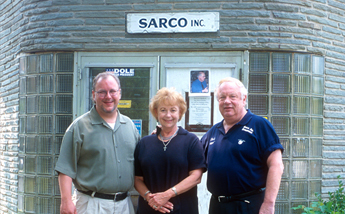
We all know and love the .45 ACP cartridge. How could you not? It produces about 530 or so ft-lbs of
The AR-15 has been called America’s Rifle not only because of its popularity but because of its vers
You may have landed here looking for 1911 gun parts (we sell plenty of them) but today we’re taking
This Women’s History Month, we’re taking some time to look back on the accomplishments of some influ
It’s almost Women’s History Month, so this year we figured we’d pay homage to a name from the obscur
Think for a moment, what do you think the most practical 1911 accessory of all is?It might dep